Mencap website: Accessibility research project
Accessibility Accessibility is about making it easier for someone to join in, get, use or do something. is at the heart of everything we do at Mencap, from the services we offer, to the way we approach our work and the people we support.
So, in an increasingly digital world, where it's important we understand and evolve our approach to digital accessibility for people with a
learning disability
A learning disability is to do with the way someone's brain works. It makes it harder for someone to learn, understand or do things.
we launched a project back in 2023 to make the Mencap
website
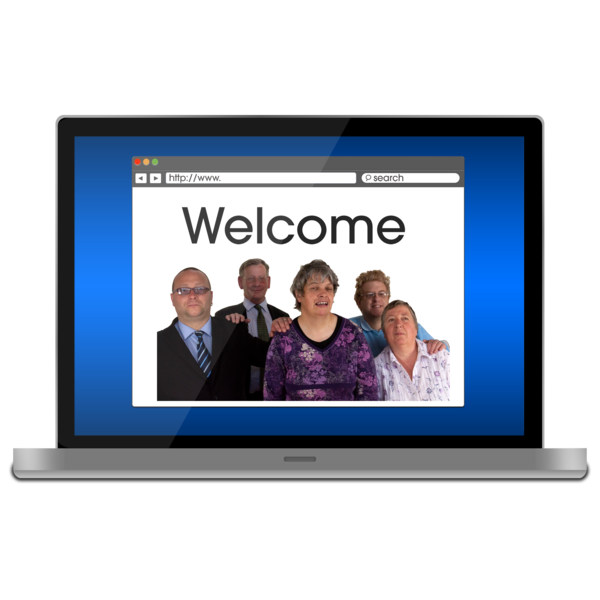 A website is a page you can go to on the internet like Google or YouTube.
more
accessible
A website is a page you can go to on the internet like Google or YouTube.
more
accessible
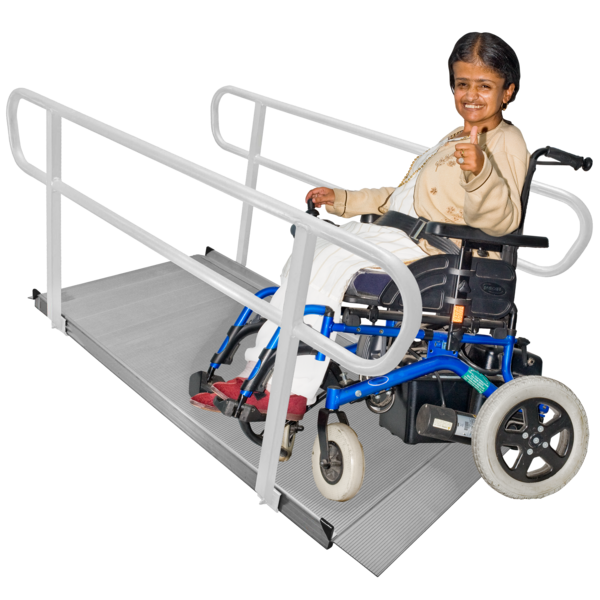 Accessible means something is easy for people to use or join in with. For example: Accessible writing means the writing is easy to read and understand.
.
Accessible means something is easy for people to use or join in with. For example: Accessible writing means the writing is easy to read and understand.
.
This page highlights the research Research is a way of finding out information which could come from books, or asking people what they think. we undertook (in partnership with Reason Digital, an agency specialising in creating accessible digital products), to implement all the accessibility improvements we have made to the Mencap website to date.
Designing for people with a learning disability
We’ve made a poster with our top tips for things to remember when you’re designing accessible communications for people with a learning disability.
Remember to always include people with a learning disability when you’re creating accessible information.
Website accessibility research involved:
- A cultural probe: A four week study tracking how people with a learning disability access and engage with digital content.
- An online
survey
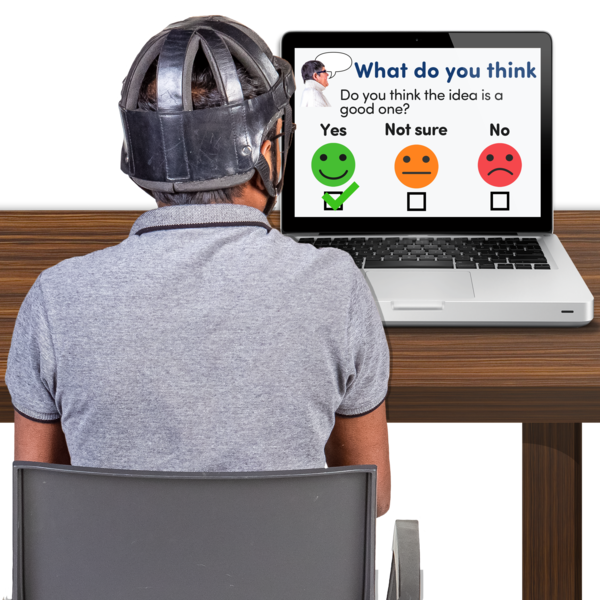 A survey is when someone asks you to answer some questions.
: 142 people answered 42 questions
A survey is when someone asks you to answer some questions.
: 142 people answered 42 questions - A website and Search Engine Optimisation (SEO) review
- A/B Testing workshops: 66 people with a learning disability participated in either online, or in in-person sessions.
- A/B Testing survey: 172 people took an online survey (including the 66 people who participated in the workshops).
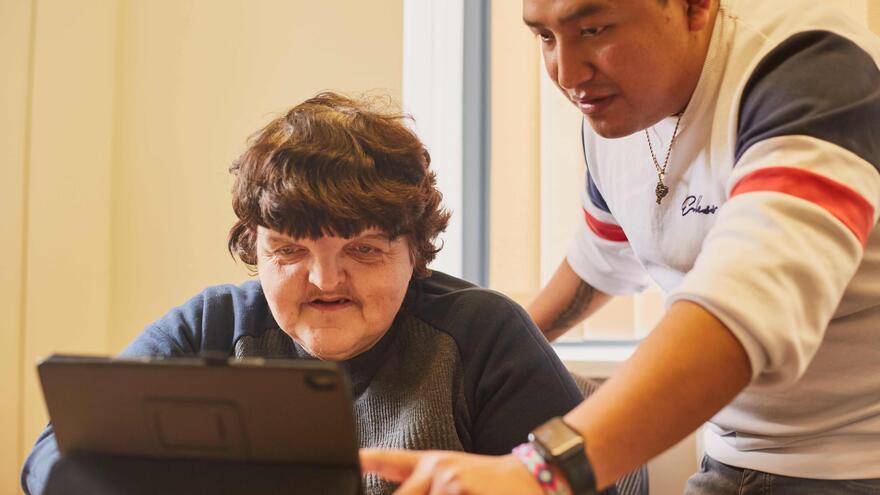
- A diverse range of skills and confidence with accessing digital content, with many needs and preferences unique to each individual.
- Levels of digital literacy vary across different digital activities: some people may be happy looking at recipes, others sending emails, or signing petitions. Some can do this alone, others enjoy the activities but require support.
- Digital anxiety is a big problem. Even people who were independent and used computers at work still reported some levels of anxiety about going online. This anxiety is made worse by low levels of digital literacy and complexity of a task.
A task can be something we take for granted like using a search bar, but accessibility needs are compounded by the anxiety around 'getting it wrong'. This digital anxiety increases the likelihood that an individual will either fail the task, or not even attempt it in the first place. - Clarity and simplicity of language is likely to aid both people with a learning disability and their supporters.
- Family members and carers play a significant role in supporting people with learning disabilities. Our experiences in speaking with supporters indicate that activing as a carer or supporter can feel very isolating, in that other people in your life don't understand the challenges you have. Most of our conversations suggested that carers, professionals and parents play the role of enablers rather than gatekeepers.
- Few people with a learning disability or their supporters reported using the Mencap website. Exploring the role and purpose of the website, as well as how content is positioned and presented, will be as important as a redesign in increasing usage.
- Explain and highlight accessibility options
Many users reported they would like to be able to adapt the text size and have webpages read aloud, but awareness of the accessibility icon and usage of screen reader technology was comparatively low. - Use
Easy Read
Easy Read is a way of making written information easier to understand. Pictures are usually added next to the writing.
principles
Following Mencap Easy Read standards with the use of Photosymbols and photography is more accessible than using illustrations or emojis. - Use larger text wherever possible
At least font size 16 for regular text to improve accessibility. - Use line breaks at the end of sentences
This will space out and breakdown text into digestible sections. - Use traditional colours for hyperlinks
Familiarity with standard blue colour proved to be preferred over 'brand' colours, making links more recognisable. - Highlight actions with icons
Use existing icons consistently so users can learn and understand where to click and what to expect when they do. - Use images with links
Images that provide a preview of the content being linked to improves understanding when used in conjunction with link text.
- Ensure search functions deliver
Participants were most confident using websites with simple and comprehensive search functions. Sites like YouTube and BBC iPlayer were repeatedly mentioned as being easy to use and find content on, because of the way graphical search results were returned. - Provide a consistent user experience across devices
The consistency in the way websites work across different devices (laptops, phones, tablets, etc,.) made participants feel more confident in using them regularly. - Google proved popular
Every participant who was asked to demonstrate finding an interest online, used Google to search, with many finding the clean and simple interface easy to understand. - Reduce distractions and cognitive overload
Participants struggled to identify 'bad websites', but many reported things like cookie consent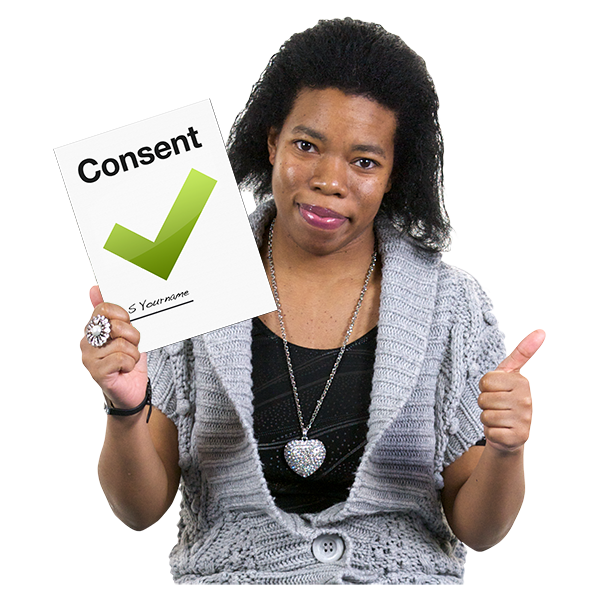 Consent is when you say yes to something, like an operation, or Mencap using your photo for a story. You may have to sign something to say yes. If you can't make your own decisions, someone else can say yes or no for you. They must think about what is right for you.
and other pop-ups, login boxes, and huge amounts of text on a screen made them feel negatively about the website.
Consent is when you say yes to something, like an operation, or Mencap using your photo for a story. You may have to sign something to say yes. If you can't make your own decisions, someone else can say yes or no for you. They must think about what is right for you.
and other pop-ups, login boxes, and huge amounts of text on a screen made them feel negatively about the website. - Digital anxiety needs to be considered
Concerns about getting things wrong echoed findings in the cultural probe, as well as further worries about online safety in areas such as recognising scams and abuse Abuse is when someone bullies you and does or says something to you that makes you feel hurt, upset or scared. on social media, were also identified as sources of anxiety. - Too many accessibility options We need to be cautious about building a platform completely customisable to every possible need. Within our conversations with people with a learning disability we often found that the person wasn’t able to communicate their needs.
Accessibility improvements we made following our research
Improvements include:
- Downloadable Easy Read webpages
- Refining our brand colours to improve contrast
- Adding icons to buttons to illustrate their destination
- Social media accessibility guidelines
- More videos with subtitles and audio.
Reason Digital and Mencap
In this article, Jane Murison, Design Director at Reason Digital, talks about how they worked alongside Mencap to make a design system that helps people with learning disabilities feel more confident and independent online.