
Making the website accessible Easy Read
Making the website accessible
Accessibility is at the heart of everything we do at Mencap.
We started a project in 2023 to look at how
accessible
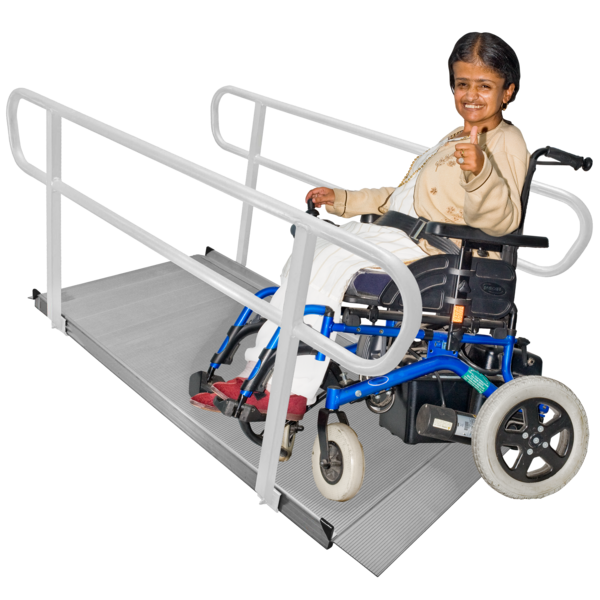 Accessible means something is easy for people to use or join in with. For example: Accessible writing means the writing is easy to read and understand.
our
website
Accessible means something is easy for people to use or join in with. For example: Accessible writing means the writing is easy to read and understand.
our
website
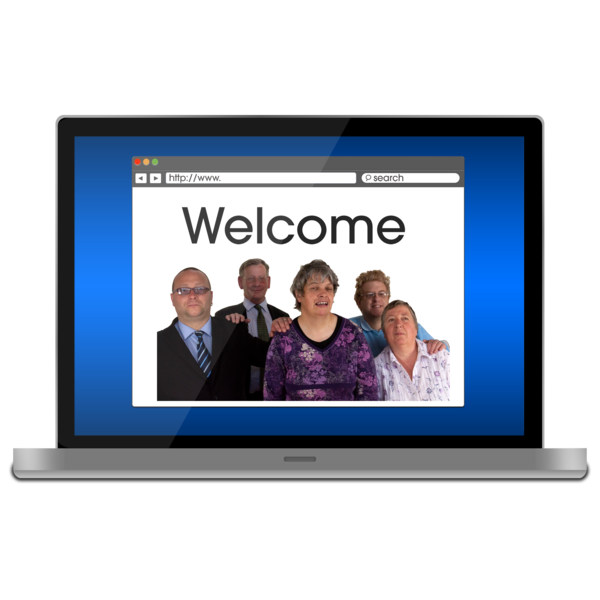 A website is a page you can go to on the internet like Google or YouTube.
was.
A website is a page you can go to on the internet like Google or YouTube.
was.
We worked with a company called Reason Digital to help us.
Reason Digital are experts in making accessible websites.
What we did:
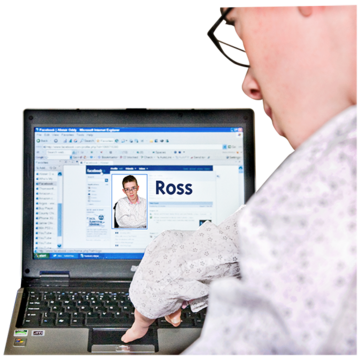
- For 4 weeks we looked at how people with a learning disability A learning disability is to do with the way someone's brain works. It makes it harder for someone to learn, understand or do things. use websites.
2. We asked 142 people 42 questions about website accessibility.
3. We checked to see how our website looked on places like Google.
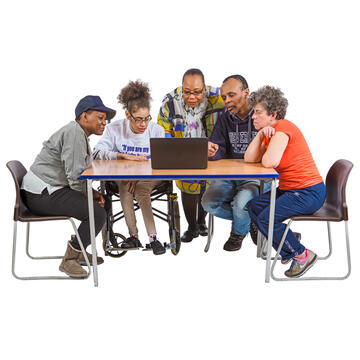
4. We held workshops with 66 people with a learning disability to test websites.
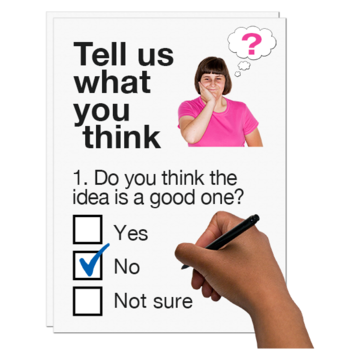
5. We asked 172 people to answer online questions about websites.
66 of those people took part in the workshops.
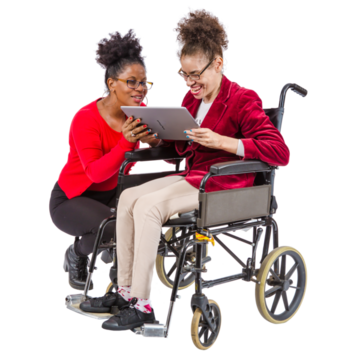
What we found out:
- Everyone had different skills and needs.
Some people could use computers on their own and some people needed support.
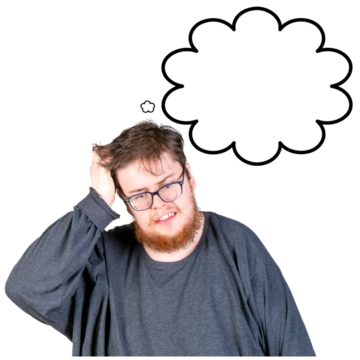
- Lots of people were worried about using computers which made some people not want to use them.
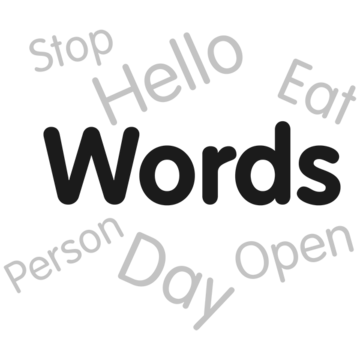
- Clear and simple words helped people with a learning disability and their carers.
- Only a few people with a learning disability or their carers used the Mencap website.
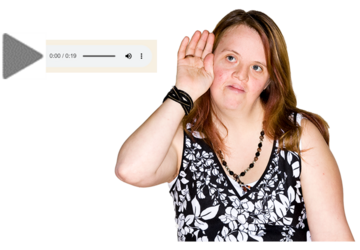
- Lots of people wanted to be able to change the size of words on webpages and have webpages that read out loud.
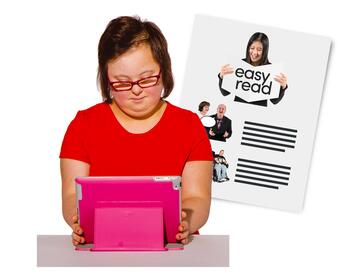
- People would like webpages that use Easy Read Easy Read is a way of making written information easier to understand. Pictures are usually added next to the writing. photographs with simple sentences.
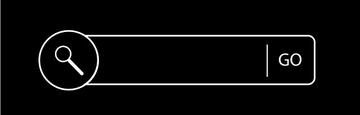
- People liked websites that had a good search area like YouTube and BBC iPlayer.
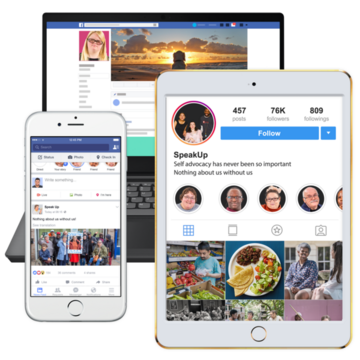
- People wanted websites to look the same on both mobile and computer.
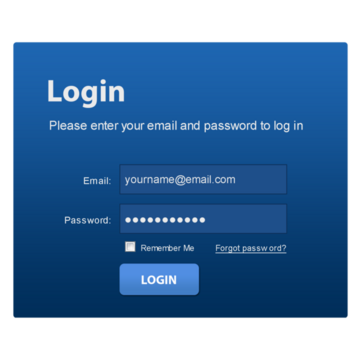
- People did not like websites with pop-ups, login boxes or lots of words.
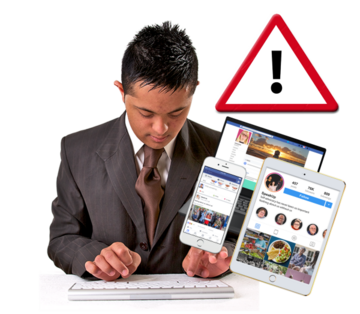
- People were worried about getting things wrong when using websites.
They were also worried about their safety on websites and social media.
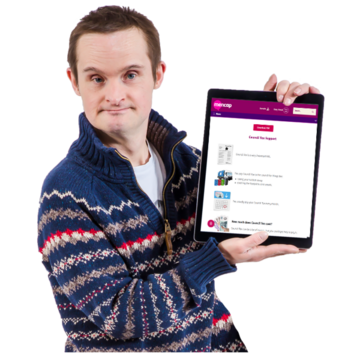
Things we have done to our website to make it more accessible
- Made Easy Read webpages which can be printed out.
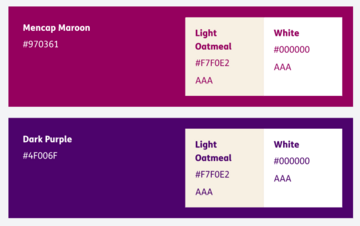
- Updated the colours we use.
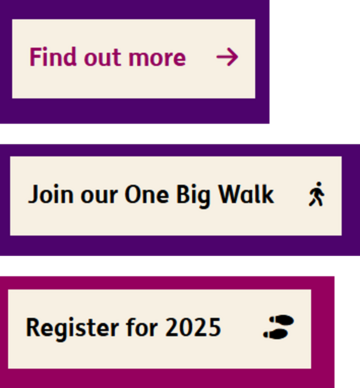
- Added symbols to buttons.
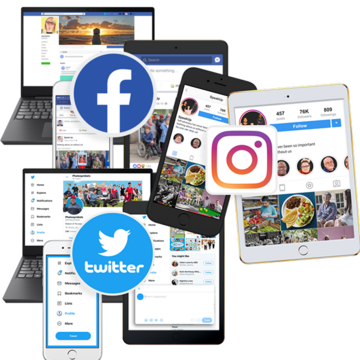
- Written a social media accessibility guide.
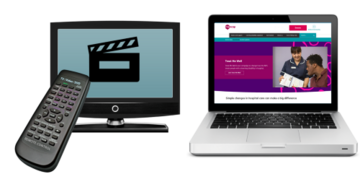
- Added more videos with subtitles and sound.

This Easy Read was first published July 2025
Last updated 18/07/2025.