Shower timers
Shower timers
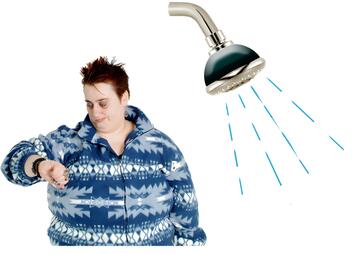
What is a shower timer?
A shower timer helps you keep track of how long you spend in the shower.
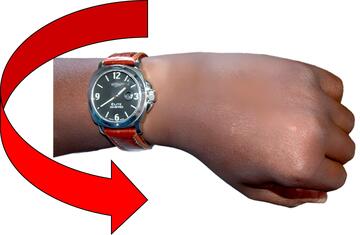
It helps you take shorter showers.

If you have shorter showers, it saves you money because you use less water and energy.

Types of shower timers
Some shower timers are manual timers.
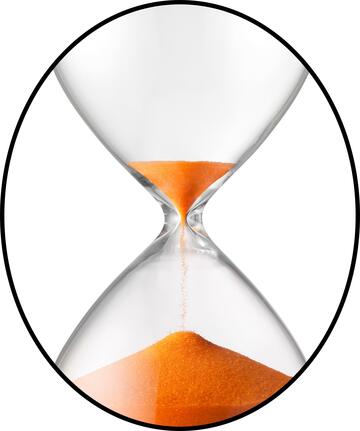
Manual timers have sand or something that looks like sand inside it.
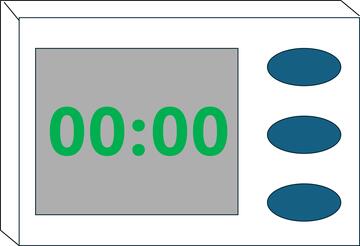
Some shower timers are digital timers.
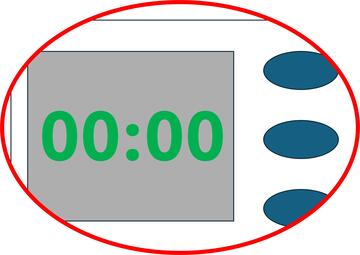
Digital timers have a screen and buttons.
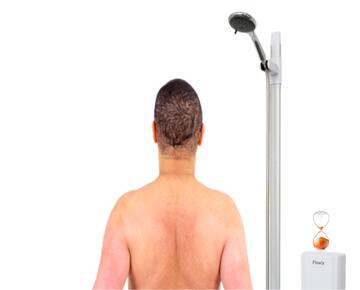
How to use a manual shower timer
Stick the timer to the wall in your shower or put it near the shower where you can see it.

Just before you start the shower, turn the timer so that the sand is at the top of the timer.
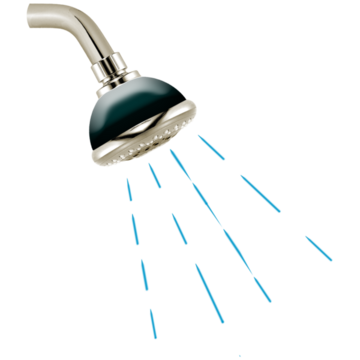
Start your shower.
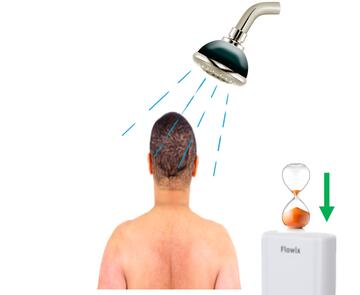
The sand will run down to the bottom of the timer while you have your shower.
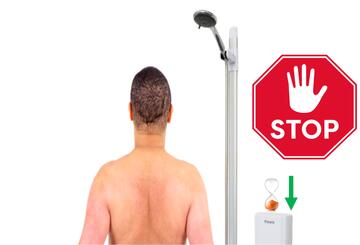
When all of the sand has run down to the bottom of the timer, it is time to stop your shower.
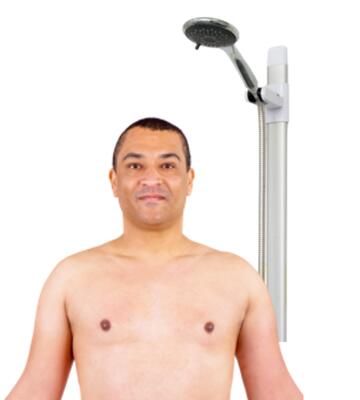
If you have not finished washing when the timer stops, make sure you finish washing before you get out of the shower.
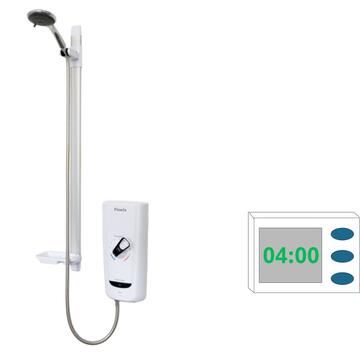
How to use a digital shower timer
Set the time on the timer and put it near the shower.
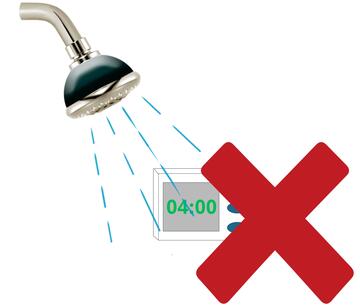
Make sure the timer will not get wet.
It is ok for it to get wet if it is a waterproof timer.
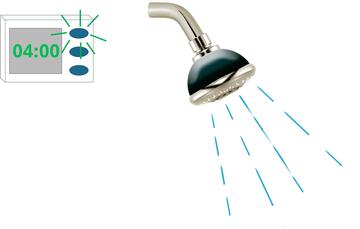
Start the timer and then start your shower.
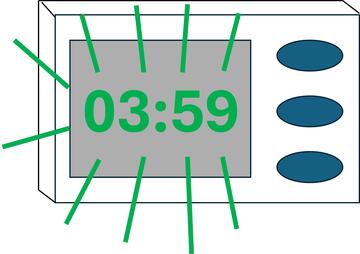
The numbers on the timer will count down while you have your shower.
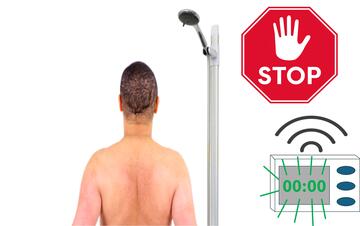
When the numbers reach 0, the timer will beep or flash to let you know it is time to stop your shower.
If you have not finished washing when the timer stops, make sure you finish washing before you get out of the shower.

How to get help
You can get help and advice on our
website
 A website is a page you can go to on the internet like Google or YouTube.
in the energy and money advice hub.
A website is a page you can go to on the internet like Google or YouTube.
in the energy and money advice hub.
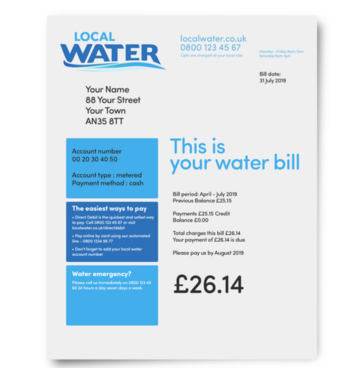
If you have to take extra showers because of your disability, you might be able to get help with your water bill from WaterSure.

If you are worried about money, contact our Learning Disability A learning disability is to do with the way someone's brain works. It makes it harder for someone to learn, understand or do things. Helpline:

Call us Monday to Friday on 0808 808 1111

Email us at [email protected]

Thanks to the British Gas Energy Trust for funding.