
Mencap social media community guidelines

Mencap social media community guidelines
Mencap’s online spaces should always be respectful, inclusive and
accessible
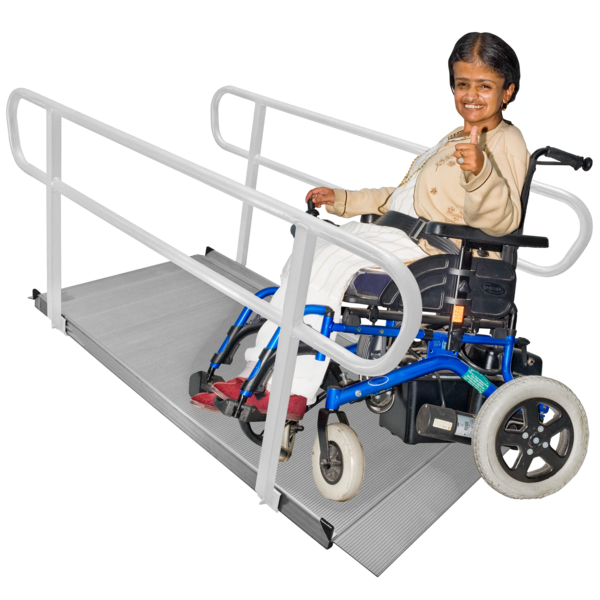 Accessible means something is easy for people to use or join in with. For example: Accessible writing means the writing is easy to read and understand.
.
These guidelines outline the standard for how everyone should engage with content and other people while in our online spaces. Together we can create a kind and constructive space that supports all people with a learning disability A learning disability is to do with the way someone's brain works. It makes it harder for someone to learn, understand or do things. , their families and supporters.
Community Standards
Our online spaces are for positive, constructive, and supportive conversations about learning disability.
We encourage:
- Respectful and supportive conversation- remember there’s a real human behind the screen.
- Constructive and positive discussions about policies that affect people with a learning disability.
- Requests and responses for advice, support, and signposting.
- Sharing personal stories of lived experience Experience is when you have learned or tried something before. .
- Feedback that may help the Mencap team improve accessibility Accessibility is about making it easier for someone to join in, get, use or do something. and engagement
We do not allow:
- Hate speech,
discrimination
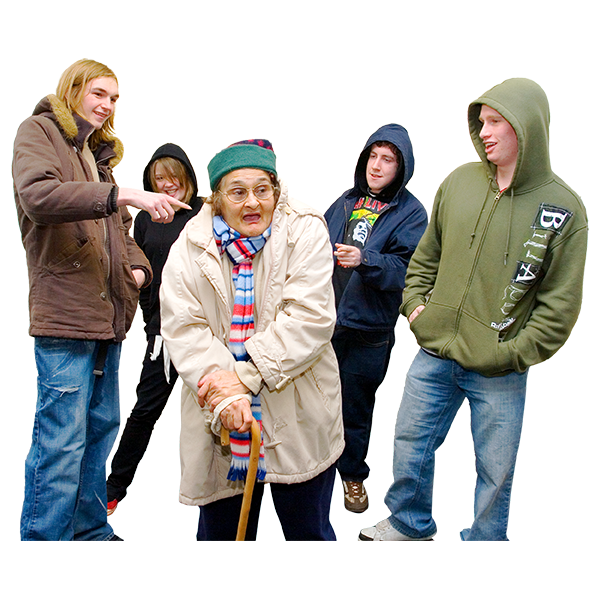 Discrimination is when someone is treated differently (usually in a bad way) because of things like their disability or their religion.
, or any form of offensive comments.
- Profanity, threats, or aggressive language.
- Harassment, bullying or targeted attacks.
- Spreading of misinformation about policy, disability, or Mencap’s work.
- Spam, self-promotion, unrelated links.
To maintain a safe and welcoming environment, we may remove or report comments that violate these guidelines.
Making Social Media Accessible
Everybody should be able to engage with our content. Following these simple guidelines helps ensure that people with a learning disability and others with accessibility needs feel welcome and able to contribute to our online community A community is the people and places in an area. .
General Accessibility
- Use clear, simple language, to make content easier to read and understand.
- Use high contrast between text and backgrounds so that text is readable for people with visual impairments.
- Use readable fonts such as FS Mencap, Arial, or Tahoma, decorative fonts can be difficult to process.
- Limit use of emojis, screen readers read them aloud which can be disruptive.
- Use CamelCase for hashtags (e.g. #WorldDownSyndromeDay) to help screen readers read them correctly.
Image Accessibility
- Add alt text to all images so people using screen readers can understand the content.
- Use descriptive captions to provide context for images.
- Where possible, avoid text heavy images. Instead use a carousel or captions to keep your content readable.
Video Accessibility
- Include subtitles on all video content so people who are hard of hearing can follow.
- Use open captions for scripted content to ensure cross-platform accessibility.
- Use narration and voiceovers in videos to describe visual elements for those with visual impairments.
By following these guidelines we can keep our online spaces welcoming and inclusive. Everyone’s contributions make a difference, let's build a kinder online community, together.
These downloadable guidelines were first published 18/03/2025.
Last updated: 18/03/2025.