
Staying safe on social media (Easy Read)
Staying safe on social media
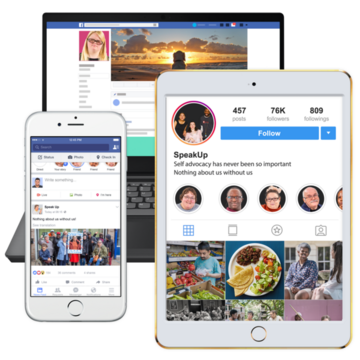
There are lots of different types of social media.
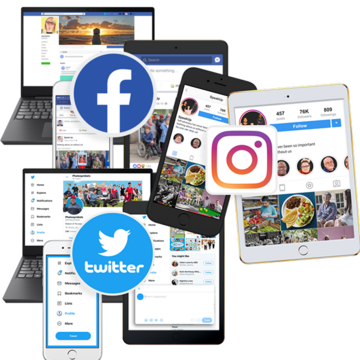
Things like Facebook, Instagram, Twitter and TikTok let you talk to people online and see things that people share.
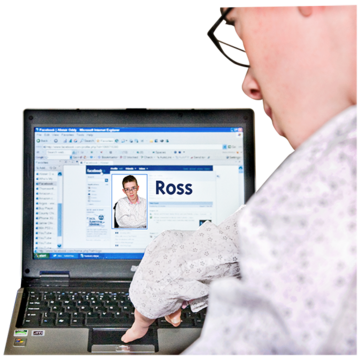
To use social media you will need to sign up for an account.
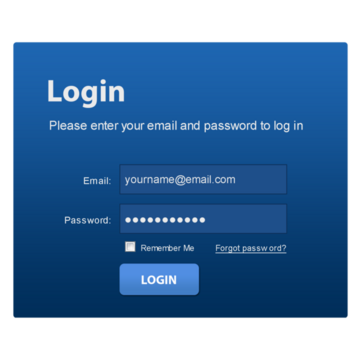
You will need to choose a username and password to log onto social media websites.
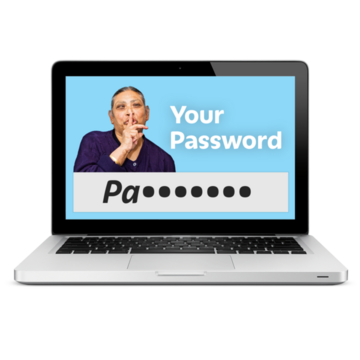
You should never share your username and password with anyone else.
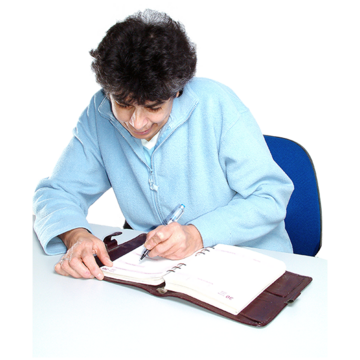
If you need help to remember them, write them down and keep it somewhere safe
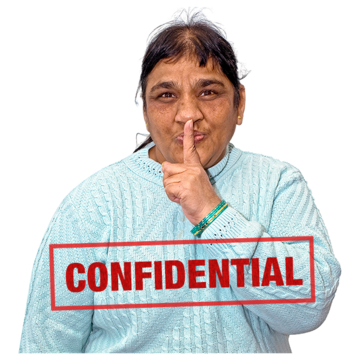
Your social media account includes information about you, so it is important you keep your personal information safe.
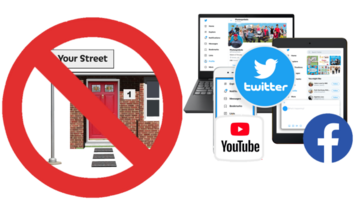
You should not share your full address on social media.
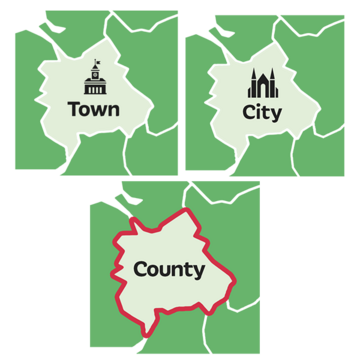
It might be OK to say the town, city, or county you live in if you are comfortable.
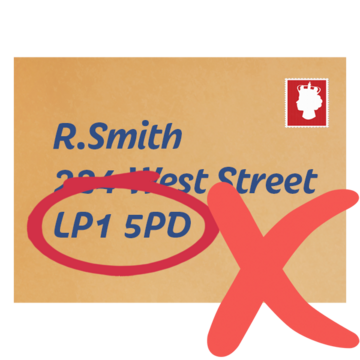
But do not share your street address or postcode.

You should also make sure that people cannot see your phone number if you used that to sign up for a social media account.

You can use privacy settings on your social media account to make sure you are keeping your personal information private.

Privacy settings make sure only people you choose as friends can see your information.
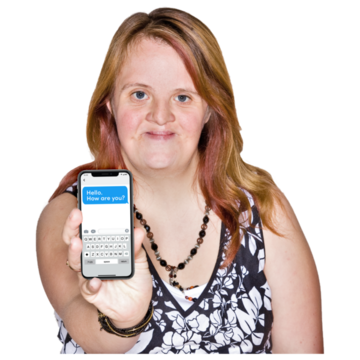
Posting online
Be careful what you post when you are using social media
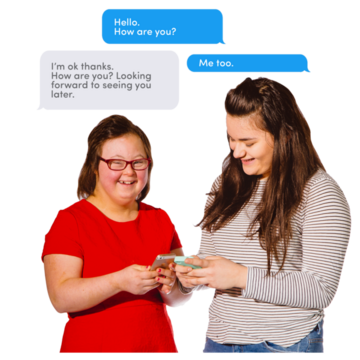
The things you post might be seen by lots of people, not just your online friends.

Think about how other people might feel if they see the things you post.
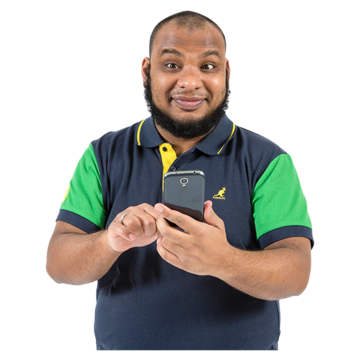
Talking to people online
Remember you are in control of the people you talk to online.

You should only add people you know.

Try not to talk to people you don’t know, especially in private chats.

If someone asks you questions you do not want to answer it is OK to say no.
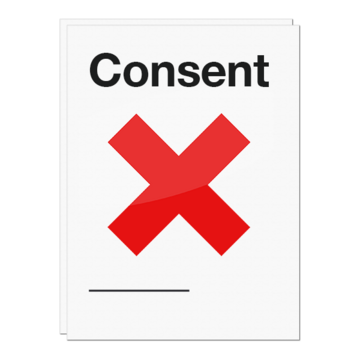
If someone wants you to do something you do not want to do it is OK to say no to them.

If people you don’t know try to add you as a friend it is OK to not accept them.

This Easy Read Easy Read is a way of making written information easier to understand. Pictures are usually added next to the writing. was first published 18/07/2023
Last updated: 18/07/2023