
Internet Online Safety
Internet Online Safety
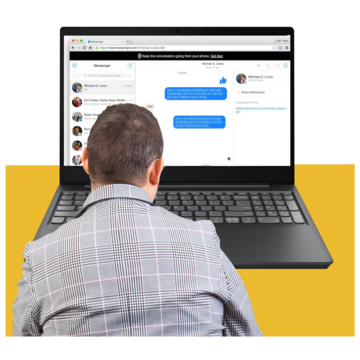
There are lots of good things about the internet, like keeping in touch with friends, finding information, watching videos and playing games.

But it is important to know how to keep safe using the internet.
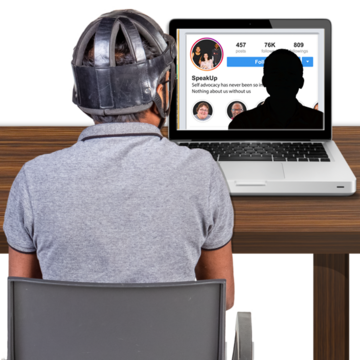
The internet can a bad place sometimes.
People can make fake profiles which can be used to scam you or bully you.
We have an easy read about staying safe from scams.

The internet can also be used to spread fake information.

Fake information is news, stories, or posts that someone has made to trick the people reading them into thinking they are real.
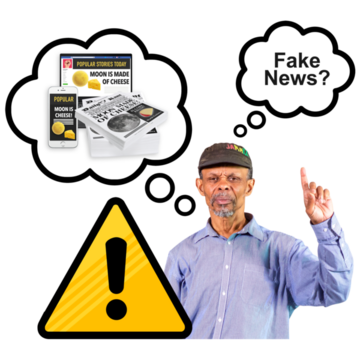
You can check if something is real or fake by looking at other news websites to see if they are saying the same thing.
Using social media safely
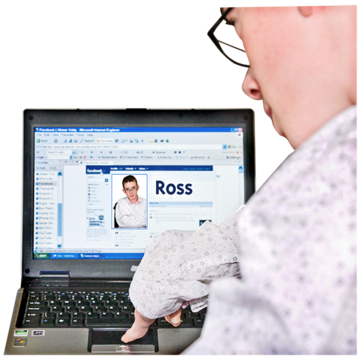
When you make a social media account it is important to remember that it will include information about you.
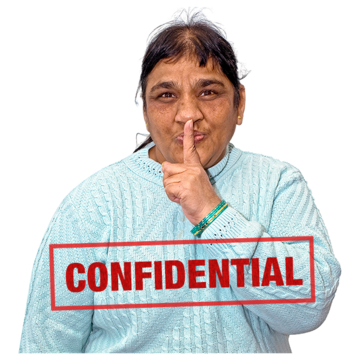
You can change the settings on your social media account to make sure you are keeping your personal information private.

Privacy settings make sure only people you choose as friends can see your information.
Your privacy settings can also stop people you don’t know from seeing your posts, pictures and videos online.

If you need support with setting up or changing your privacy settings you can talk to someone you trust.
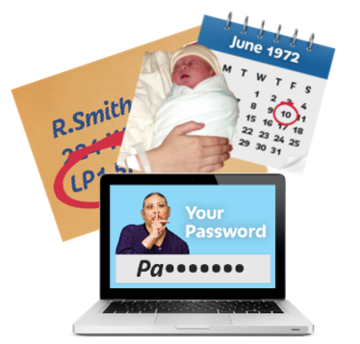
You shouldn’t share personal information with people you don’t know or post personal information online.
Personal information can be things like:

- Your full name

- your date of birth
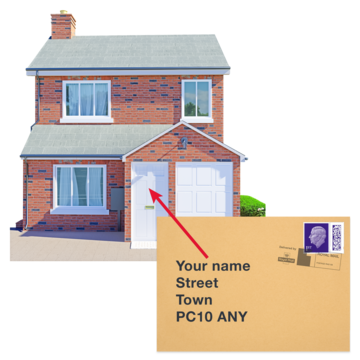
- your address and postcode
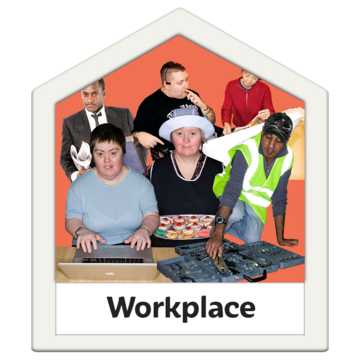
- where you work
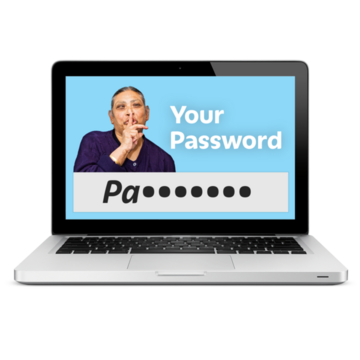
- any usernames or passwords you use
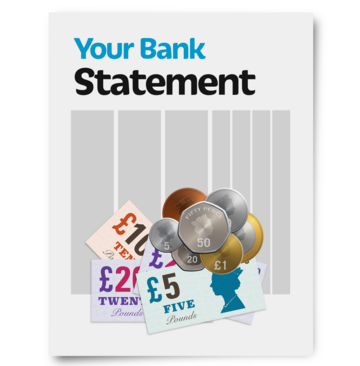
- your bank account details.

This easy read Easy Read is a way of making written information easier to understand. Pictures are usually added next to the writing. was created on 15 October 2024