
Settings to stay safe online
Settings to stay safe online
This information about settings and tools will help to keep you safe online.

You can check if a
website
 A website is a page you can go to on the internet like Google or YouTube.
is safe to use by using a tool like Get Safe Online’s Check a website.
A website is a page you can go to on the internet like Google or YouTube.
is safe to use by using a tool like Get Safe Online’s Check a website.

Look for a closed padlock symbol or the letters https at the start of a website’s address.

This means the connection is secure, but it does not always mean the website is safe to use.
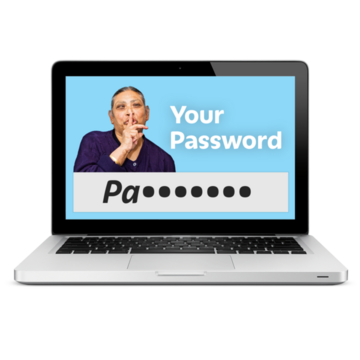
Use a different password for each online account you have.

Use passwords that are difficult for other people to guess.

Some accounts let you choose if you want to use 2-step verification to log in. 2-step verification means that you have to do 2 different things to log in to your account. For example, enter your password and type in a number which is sent to you by text or email.
2 step-verification gives you more security if your account has information about you or your money.
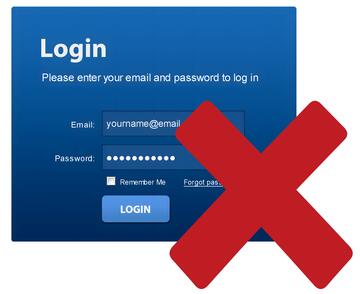
It means that someone can not log in to your account just with your password.

Make sure you have antivirus software and keep your apps and software up to date.
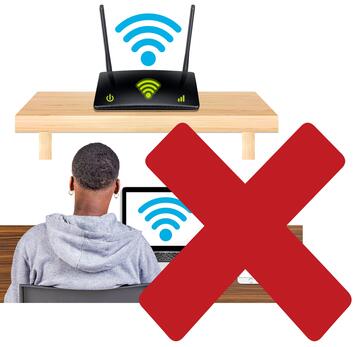
Do not use public Wi-Fi to log in to any accounts which have private information. For example your bank account.

Other people might be able to see your information if you use public Wi-Fi.
What should I do if I think I have been scammed?
Contact your bank as soon as possible.
If you are in England, Wales or Northern Ireland, report it to Report Fraud at https://www.reportfraud.police.uk or by phoning 0300 123 2040.
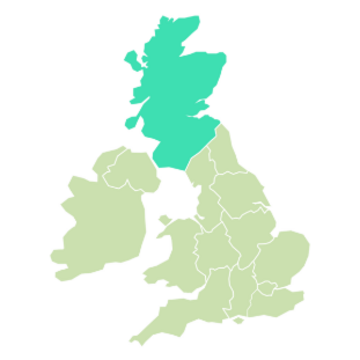
If you are in Scotland, you should report it to Police Scotland by phoning 101.
Find out more
Take Five is a campaign A campaign is when people work together to try to change something. which gives advice about how to try to make sure no-one tricks you and takes your money.

You can find advice about the Take Five campaign online at www.takefive-stopfraud.org.uk

If you have a learning disability A learning disability is to do with the way someone's brain works. It makes it harder for someone to learn, understand or do things. or care for someone with a learning disability and want to find out more about scams or the Take Five campaign, you can call Mencap‘s Learning Disability Helpline on 0808 808 1111.

This easy read Easy Read is a way of making written information easier to understand. Pictures are usually added next to the writing. was co-written by Mencap and UK Finance.

First published 11/02/2025
Last updated 21/05/2026