
The NHS App
The NHS App
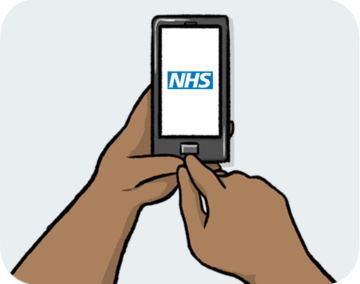
The NHS App is a quick and easy way to use health services and get information.
An app is a computer programme for your phone or tablet.
The NHS App can be used by anyone aged 13 or over who is registered with an NHS GP surgery in England or the Isle of Man.

You can still contact your GP surgery in the usual ways, like by phone or going to the surgery.

If you do not have a phone or tablet, or you do not want to download the app, you can use a computer. You can find out more at: nhs.uk/nhs-app
Using the NHS App
You can use the NHS App to:
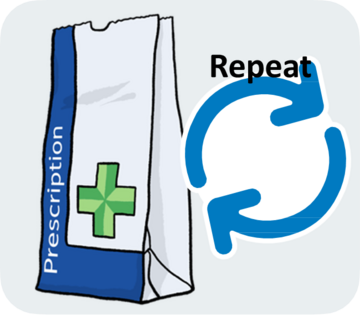
Request a repeat prescription A prescription is where a doctor writes down what medicine they want you to have. It can be written on paper or electronic. .
A repeat prescription is medicine you need to keep taking, so you have to ask for it again.

- Look at your information about your health and care, like appointment notes and letters.
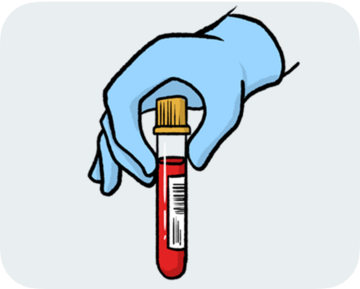
- Check the results of medical tests you have had.
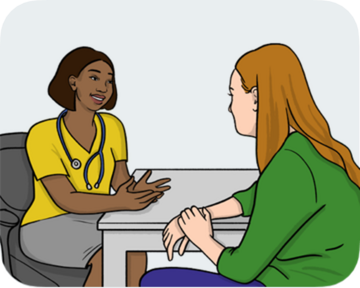
- Book and manage appointments.
Notifications on the NHS App
You can also get an alert on your phone when you have a new message.
These alerts are called notifications.
To do this, you need to turn on notifications on your phone.
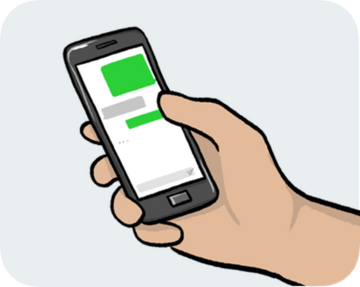
You will then get a notification when you have been sent a new message from the NHS.
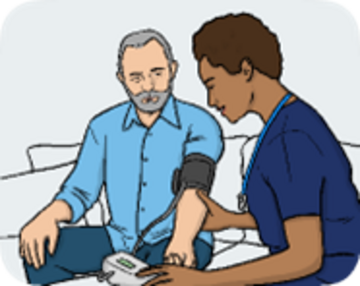
This could be an appointment reminder.
To find out how to turn on notifications, visit this
website
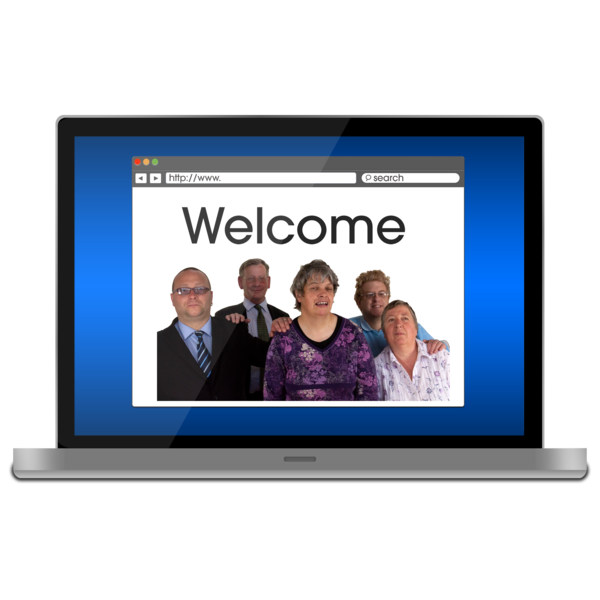 A website is a page you can go to on the internet like Google or YouTube.
: nhs.uk/nhs-app
A website is a page you can go to on the internet like Google or YouTube.
: nhs.uk/nhs-app
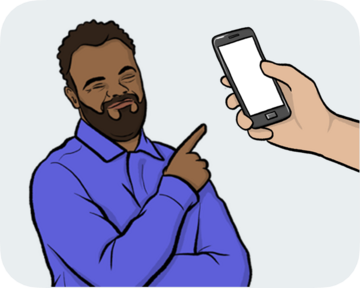
How to get the NHS App
To use the NHS App on your phone or tablet, you will need to download it.
You can find and download the NHS App from your phone or tablet’s app store.
If you need help using the NHS App, you can visit this website: nhs.uk/nhs-app
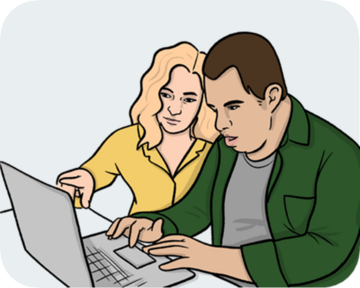
You could ask someone to support you with visiting this website or using the NHS App.

This could be someone at your GP surgery, or someone you trust, like a friend, family member or a
support worker
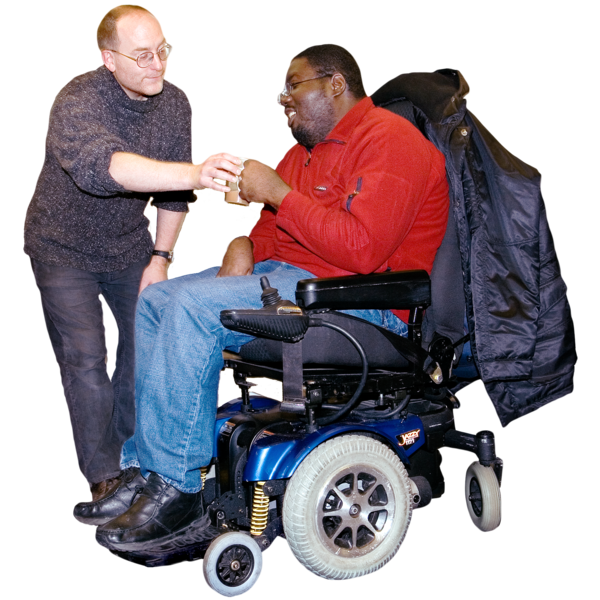 Support workers are people who are paid to give care and support to people who need it.
.
Support workers are people who are paid to give care and support to people who need it.
.

This Easy Read Easy Read is a way of making written information easier to understand. Pictures are usually added next to the writing. was produced for NHS England by easy-read-online.co.uk. The Easy Read includes images licensed from Shutterstock.
This easy read was first published on the Mencap website 27/05/2026.
Last updated: 27/05/2026.